Passively reading lecture notes creates an illusion of competence that crumbles during exams. Learn how to use grounded AI study agents to execute the Feynman Technique, forcing clear teach-back explanations that uncover hidden knowledge gaps.
Introduction: The Illusion of Competence and Why Rereading Notes Fails
You highlight three pages of biochemistry notes, read them twice, and feel ready for Friday's exam. On test day, the professor asks you to explain the physical mechanism behind oxidative phosphorylation. Suddenly, the clean summary in your head turns into scrambled terms.
Psychologists call this phenomenon the illusion of competence. Recognizing a term on a page feels identical to understanding how it works. When you reread course materials, your brain processes familiar text smoothly. That smooth recognition deceives you into thinking you can recall and reconstruct the information from scratch.
According to research on study modes (Ankra), forcing yourself to explain concepts out loud without looking at reference material is the most direct way to break this illusion before test day. Nobel Prize-winning physicist Richard Feynman popularized this teach-back method: if you cannot explain a concept in simple terms to a non-expert, you do not actually understand it.
Applying the Feynman Technique manually can be tedious. You need an attentive listener who knows the subject well enough to spot subtle mistakes in your explanation. Generative AI fills this exact role when configured properly.
What is the Feynman Technique AI Workflow? (The Science of Teach-Back Learning)
The classic Feynman Technique follows four distinct steps:
- Select a concept you want to learn.
- Teach the concept to a beginner using simple, jargon-free language.
- Identify gaps in your explanation where you hesitated or used technical buzzwords to hide confusion.
- Review your source materials to fill those gaps, simplify the explanation further, and repeat.
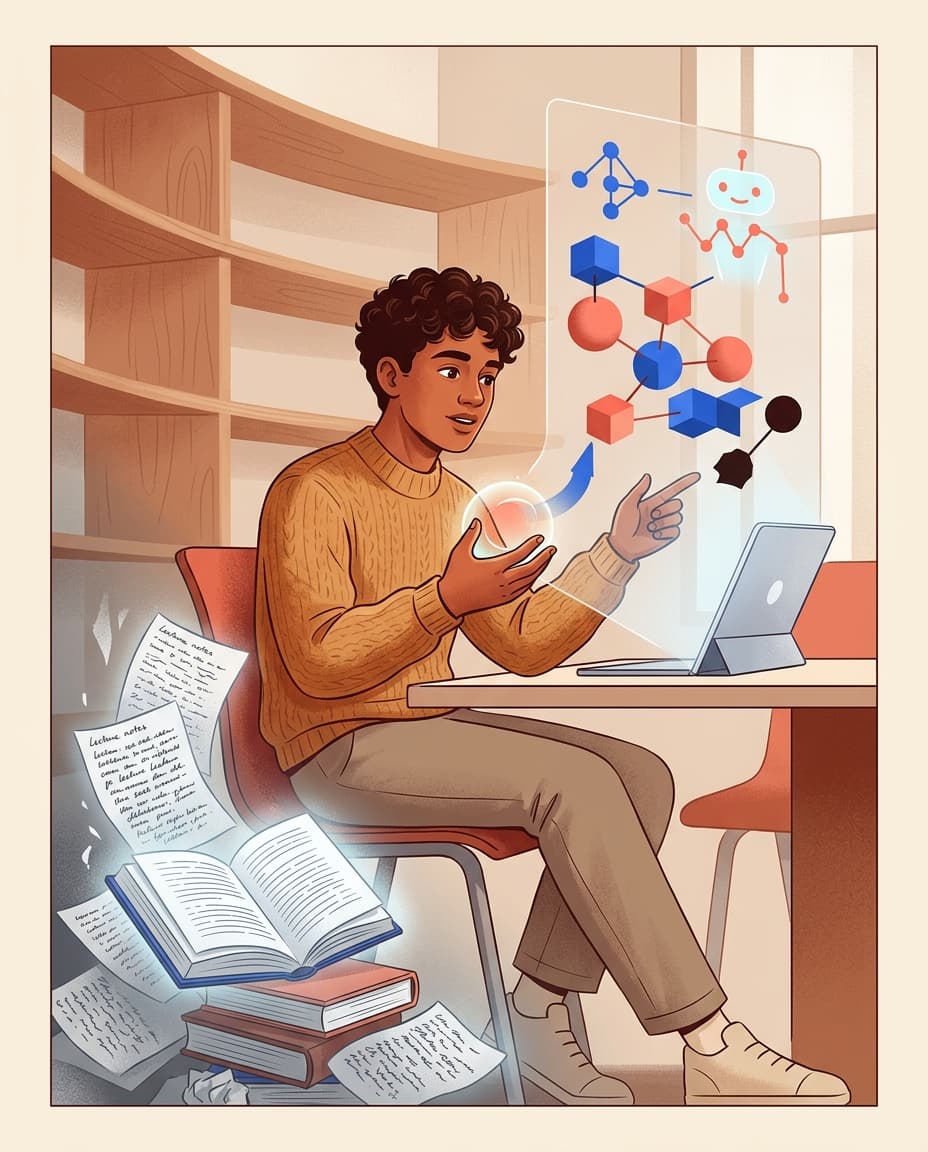
When you bring AI into this process, the model acts as the target audience and evaluator. Instead of asking AI to summarize a lecture for you, you reverse the traditional dynamic. You write out an explanation, and the AI audits your response for clarity, completeness, and logical accuracy.
Modern learning workflows (Applied AI Hub) use multi-layered AI teach-back structures to test students across escalating levels of complexity. The goal is not just receiving a pass or fail grade. The AI pinpoints exact mechanism steps you skipped, analogies that break down, and places where you relied on memorized definitions instead of genuine understanding.
Generic ChatGPT Prompts vs. Grounded AI Study Agents: Why Context Matters
Most online guides suggest copying a basic prompt into ChatGPT such as: "Act as a 10-year-old. I will explain quantum mechanics to you, and you tell me if I am right."
While this basic prompt works for high-level general knowledge, it falls apart for university courses and specialized subjects. Generic chatbots rely solely on their base training data. When you explain a specific slide from your cell biology lecture, an ungrounded model cannot check your explanation against your professor's specific curriculum or grading criteria.
Ungrounded chatbots present three primary problems during Feynman sessions:
- Model Hallucination: Standard chatbots may validate inaccurate statements or invent details that contradict your course syllabus.
- Over-Permissive Feedback: Generic models tend to praise vague explanations, missing subtle conceptual errors in your mechanism steps.
- Lack of Persistence: Standard chat interfaces wipe session memory over time, preventing you from tracking concept mastery across a full semester.
To conduct rigorous teach-back sessions, you need a grounded environment where the AI agent cross-references your explanation against uploaded lecture PDFs, textbook readings, and lab notes.
Step-by-Step Guide: Running a Feynman Teach-Back Session in SyncStudy Spaces
SyncStudy handles teach-back learning through persistent Study Spaces. A Study Space functions as a dedicated workspace for a specific course, holding all relevant lectures, assignments, and notes in one place.
Here is how to set up an effective teach-back workflow inside SyncStudy.
Step 1: Upload Lecture PDFs and Course Notes to Your Persistent Study Space
Begin by creating a Study Space for your subject (for example, Organic Chemistry II). Upload your lecture slide decks, syllabus, textbook chapters, and personal notes into the space context.
This step grounds the AI agent. When evaluating your teach-back explanations, SyncStudy checks your wording directly against the uploaded materials, ensuring every evaluation matches the exact definitions and depth expected by your instructor.
Step 2: Perform the Teach-Back (Explain the Concept to Your AI Agent in Plain English)
Once your materials are loaded, initiate the teach-back session. State the concept you want to test and explain it in simple, everyday language without referencing your notes.
Here is a structured prompt template you can copy and use within your Study Space:
Step 3: AI Gap Diagnosis: Detecting Jargon, Vague Statements, and Missing Mechanism Steps
Once you submit your explanation, the grounded agent analyzes your text line by line.
For instance, if you write that "neurons send signals because sodium ions move inside," a grounded agent will flag this statement as incomplete. It will note that you omitted the resting membrane potential, voltage-gated ion channels, and the threshold voltage required to trigger depolarization.
The agent delivers a clear audit report highlighting:
- Jargon Dependency: Phrases where technical vocabulary masked a lack of plain explanation.
- Mechanical Gaps: Missing steps in process flows or physical causes.
- Incorrect Analogies: Comparison metaphors that introduce scientific inaccuracies.
Step 4: Loop and Lock In: Converting Knowledge Gaps into Active Recall Decks and Socratic Drills
Identifying a gap is only half the battle. You must close the gap and retain the corrected concept for long-term storage.
When SyncStudy identifies a weak spot in your teach-back response, you can immediately convert that gap into an interactive drill. With one click, generate targeted flashcards using our AI Flashcard Generator to drill the missing mechanism steps.
If you prefer a conversational follow-up to test your updated understanding, switch to a question-led dialogue using a Socratic AI study agent. Where the Feynman agent focuses on evaluating your voluntary explanation, the Socratic mode takes the lead by asking targeted follow-up questions until you resolve the remaining confusion.
Combining these approaches creates a comprehensive retention system. You can schedule spaced review sessions with our AI study planner to ensure those newly filled knowledge gaps stay locked in until exam day.
Evaluating the Top AI Feynman Study Tools in 2026
As learning platforms evolve (TikoNote), several tools offer automated Feynman and active recall modes. Understanding how different platforms handle teach-back workflows helps you choose the right setup for your needs.
- SyncStudy
- Best for: Source-grounded teach-back, persistent course organization, and integrated active recall workflows.
- Strengths: Evaluates student explanations directly against uploaded course PDFs inside dedicated Study Spaces. Converts identified gaps into flashcards and Socratic drills without leaving the workspace.
- Limitations: Requires initial upload of course materials for optimal grounding.
- Generic Large Language Models (ChatGPT, Claude, Gemini)
- Best for: Quick, high-level explanations of standard topics without specific course context.
- Strengths: Accessible and fast for general brainstorming.
- Limitations: Prone to missing specific course details; lacks automatic source-grounding unless manually prompted; does not save organized study artifacts per course.
- Static Flashcard Apps
- Best for: Rote memorization of discrete facts, formulas, and vocabulary terms.
- Strengths: Simple user interfaces with established spaced repetition algorithms.
- Limitations: Cannot evaluate open-ended conceptual explanations or identify subtle logical gaps in your reasoning.
For a detailed breakdown of how study agents compare across different university workflows, read our full guide on choosing the best AI study assistant.
Conclusion: Transform Passive Reading into Long-Term Conceptual Mastery with SyncStudy
Rereading notes provides a false sense of security. True mastery comes from putting down your textbook, formulating ideas in your own words, and exposing the gaps in your knowledge before exam day arrives.
By pairing the Feynman Technique with grounded AI study agents inside SyncStudy, you transform passive study sessions into active, source-verified learning loops. Upload your lecture materials to a persistent Study Space today, run your first teach-back audit, and close your knowledge gaps for good. To learn more about retrieval strategies, check out our guide on active recall with an AI study coach.